introduction
User Interface Basics
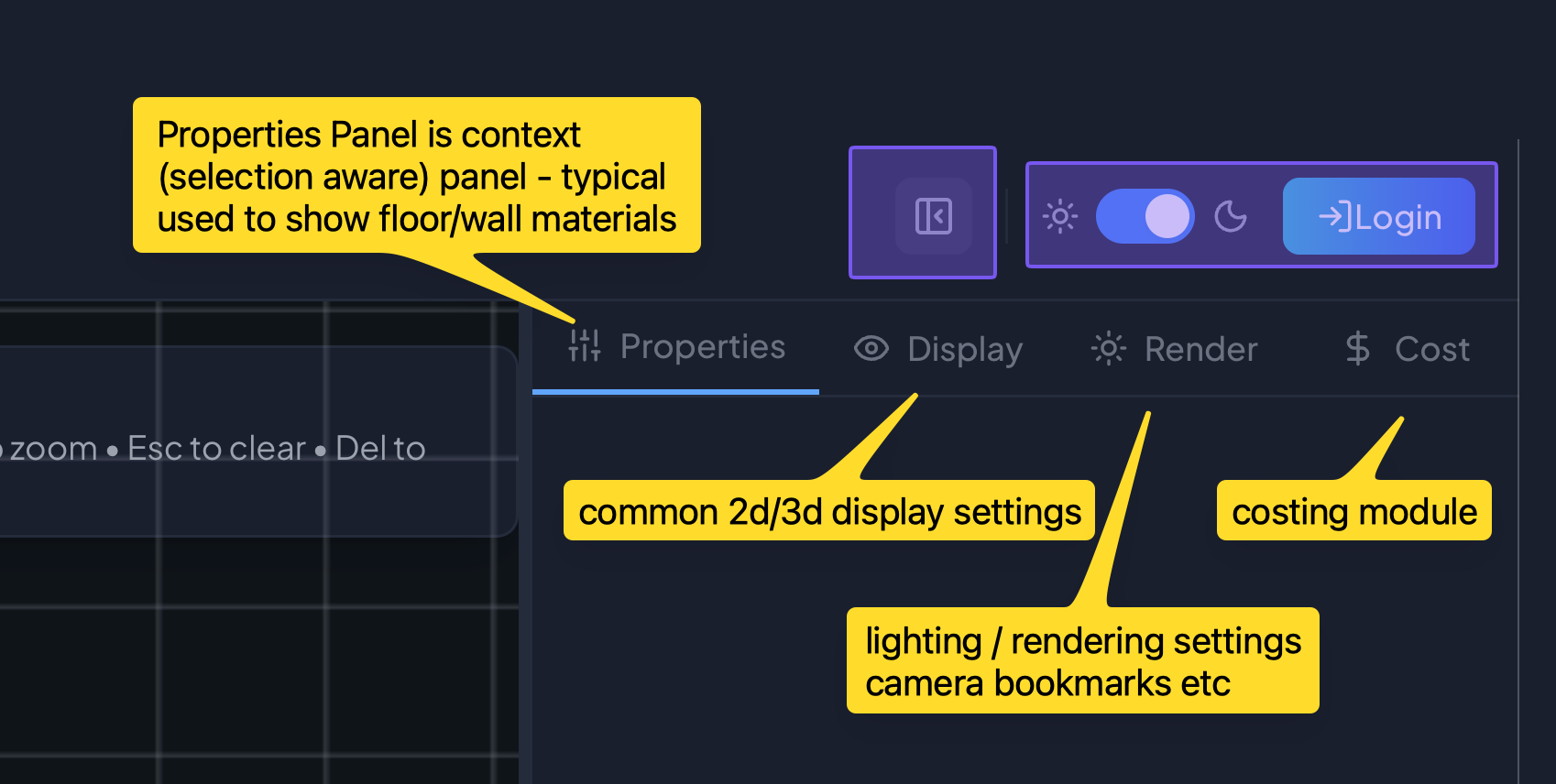
An overview of Web User Interface.
User Interface Basics
same applicant is meant to be used by different type of ppl and to have full end user experience, most of things are packaged in single webUI. this may changein future, until then, this page is meant to explain basics of UI.
Toolbar (Header-Left)

Explanations
- Logo (click to go back to website)
- Import / Export Useful if you don't want to create account and have your data (json)
- Clean , simply clear canvas floor plan (everything)
- Floorplan(2D) - full 2d view for creating and editing floorplans
- 3D - full 3d view rendering based on 2d floor plan
- Canvas - aiRendering
- Split split viewport into two, clicking again will change layout(h-v)
- Gallery shows side bar(popup) to browse theme gallery
- select any floor (shape) and its enabled
- click any image 'Apply' will apply materials / layers to floor and related walls
Toolbar (Center)
Explanations
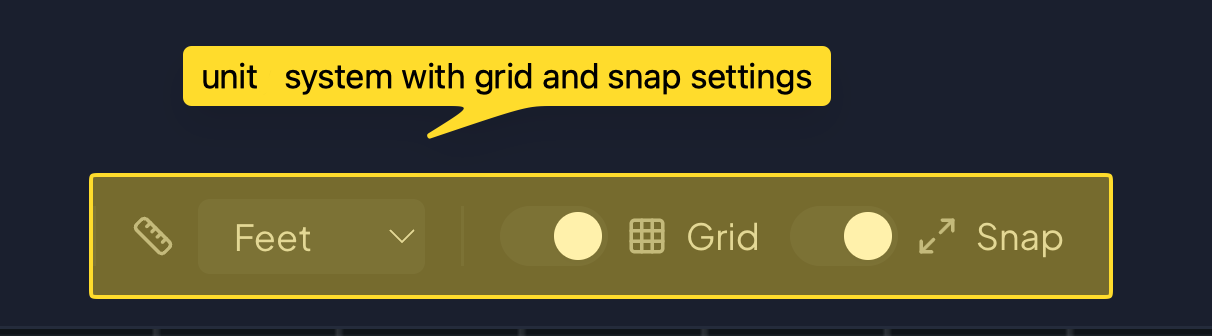
- Units Feet/Meters - can also pick Inches/CM
- any change will immidiately reflect on grid and any measurements
- Grid Toggle toggle grid
- Snap Toggle enable disable snap to grid
Toolbar (Header-Right)